Download
Download THORChain Wallet for desktop
One app for Windows, macOS and Linux. Same features on every system, and your recovery phrase works across all three.
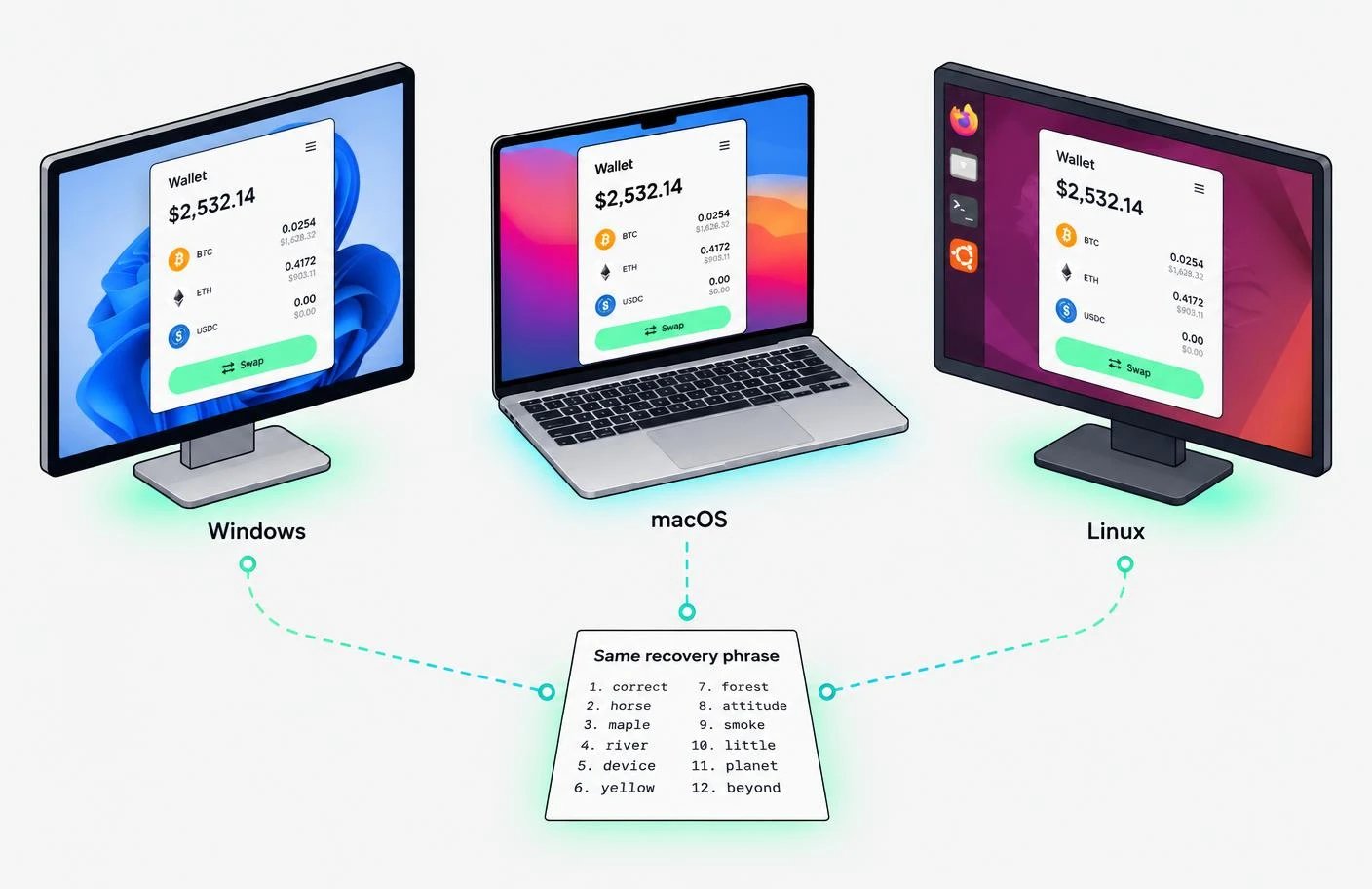
One recovery phrase, any desktop
Start on Windows, continue on a MacBook, restore on Linux. Every THORChain Wallet build derives the same addresses from the same phrase, so your balances follow you, not your hardware.
Installing
Step by step
- 01 Run Thorchain.Wallet.Setup.exe.
- 02 If Windows SmartScreen appears, check the publisher reads THORChain Wallet, then choose Run.
- 03 Pick an install folder and finish. The wallet opens from the Start menu.
- 01 Open Thorchain.Wallet-arm64.dmg.
- 02 Drag the app into Applications.
- 03 Launch it from Applications. macOS will confirm the app is from an identified developer the first time.
- 01 Download Thorchain.Wallet.AppImage and move it to a folder where you want to keep the wallet.
- 02 Right-click the AppImage, open Properties, and enable Allow executing file as a program in the Permissions tab. The wording may vary by file manager.
- 03 Double-click the AppImage to open THORChain Wallet. Keep the file in that folder and open the same file whenever you use the wallet.
Updates
The app checks for new versions on launch and asks before installing. Your wallet data is untouched by updates.
Moving computers
Install on the new machine and choose Restore. Your recovery phrase brings back every address and balance.
Why no mobile app
Swaps involve long addresses and multi-step quotes. We chose to do one platform well first.
Trouble installing? Contact support and choose “Installation”.